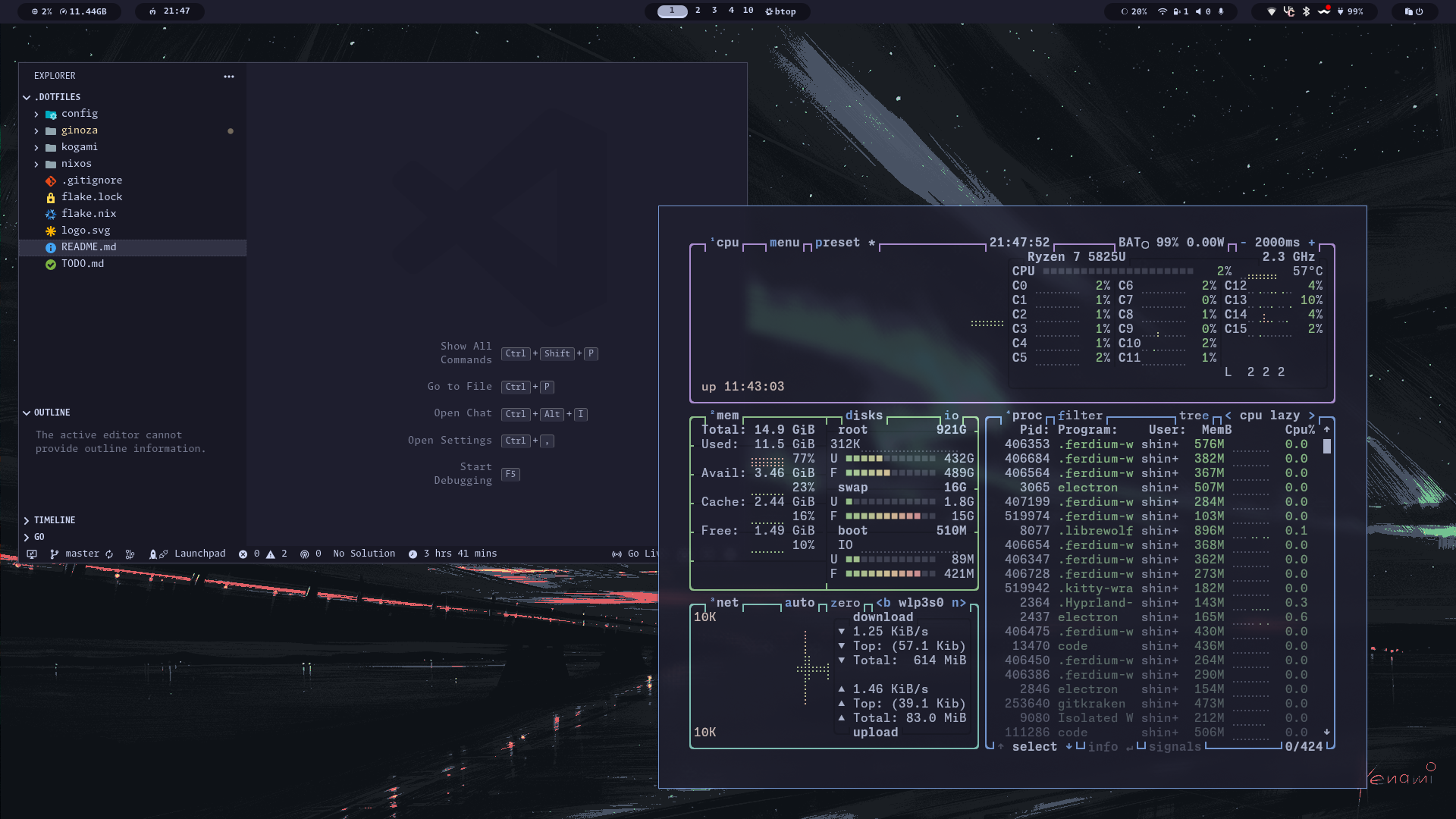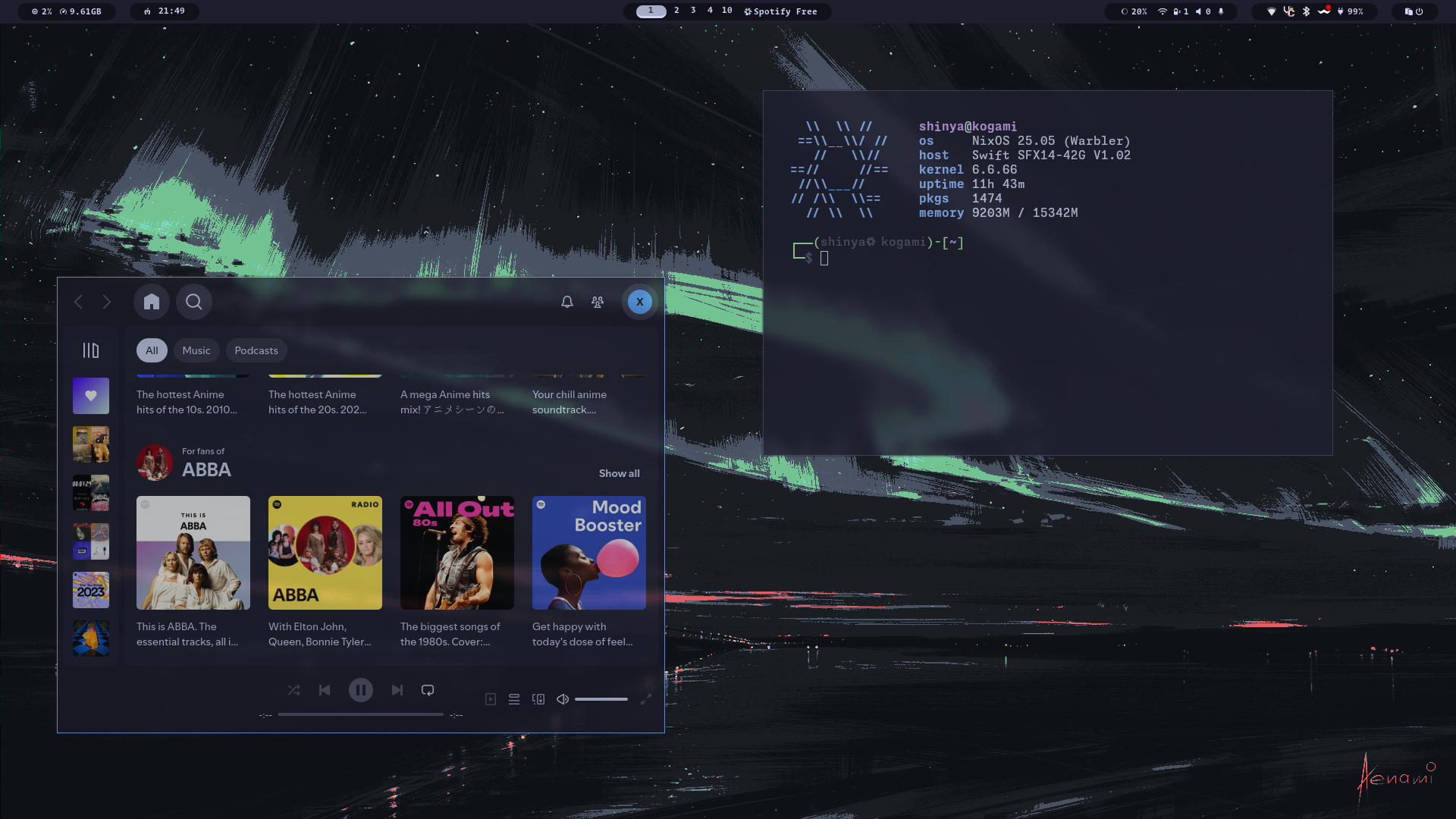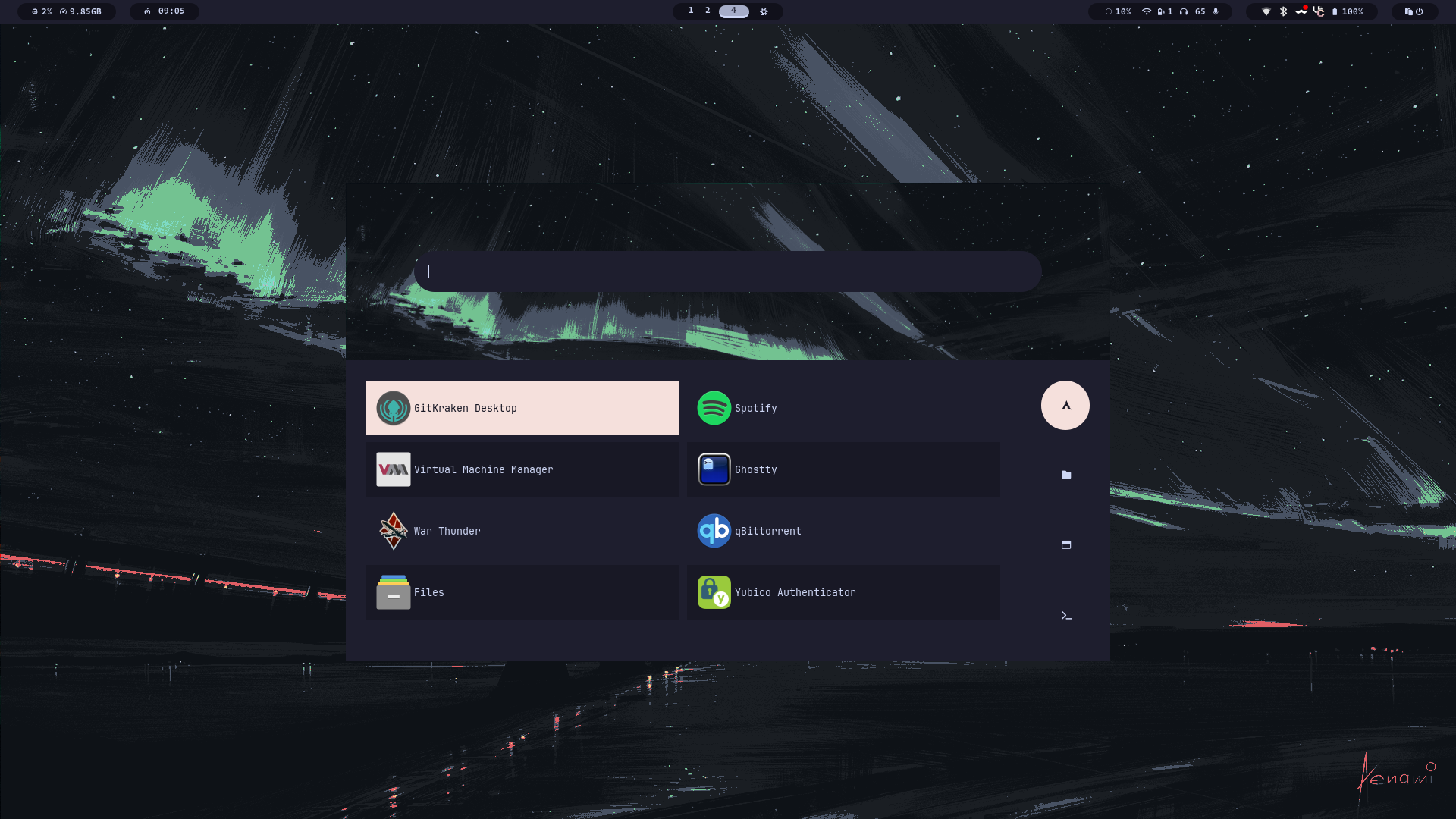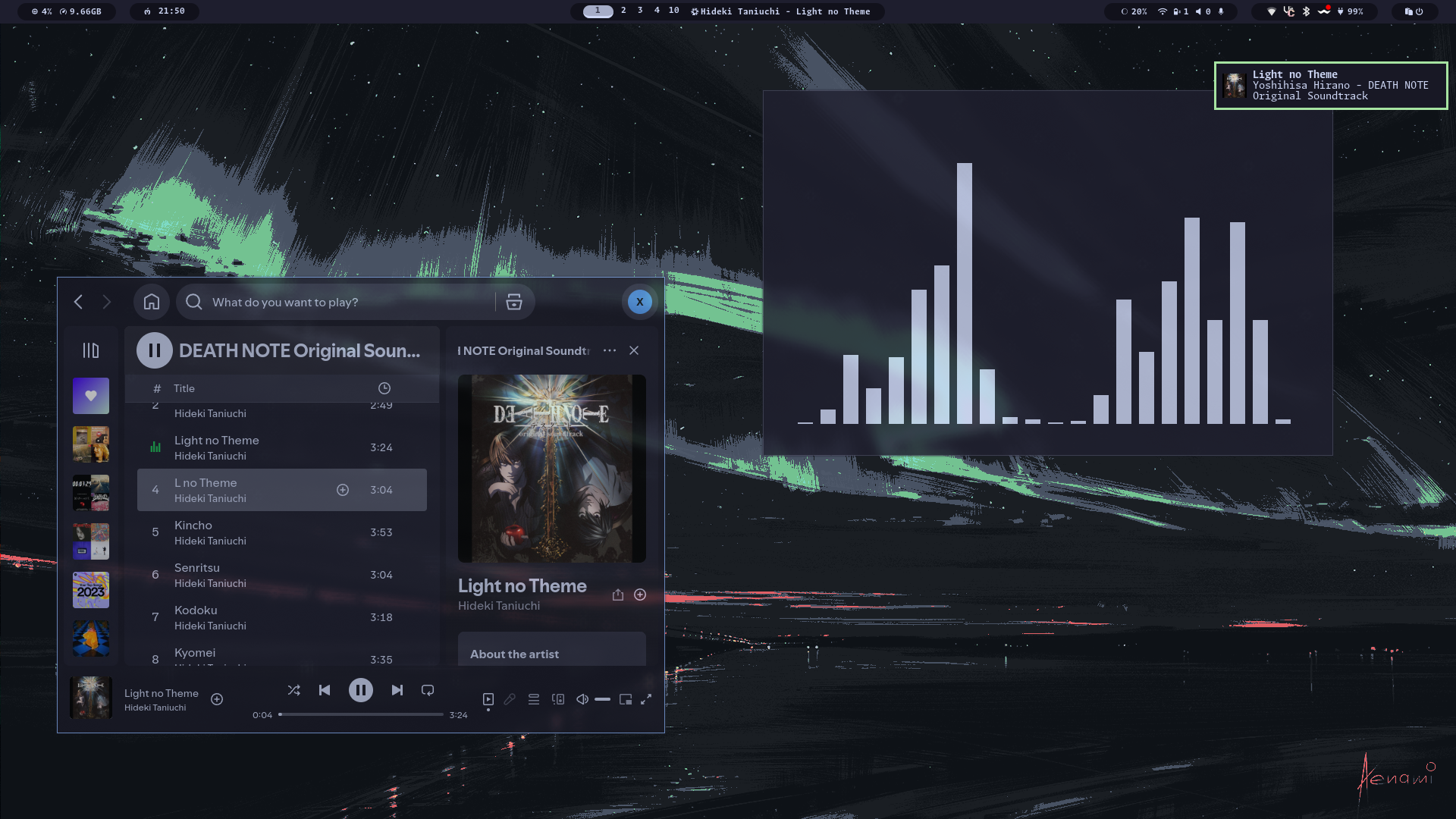
# dotfiles
- best NixOS starter dotfiles in the **flake** setup
- [Mirror Github](https://github.com/foglar/nixos-config)
- [Mirror Gitea](https://git.foglar.tech/foglar/dotfiles)
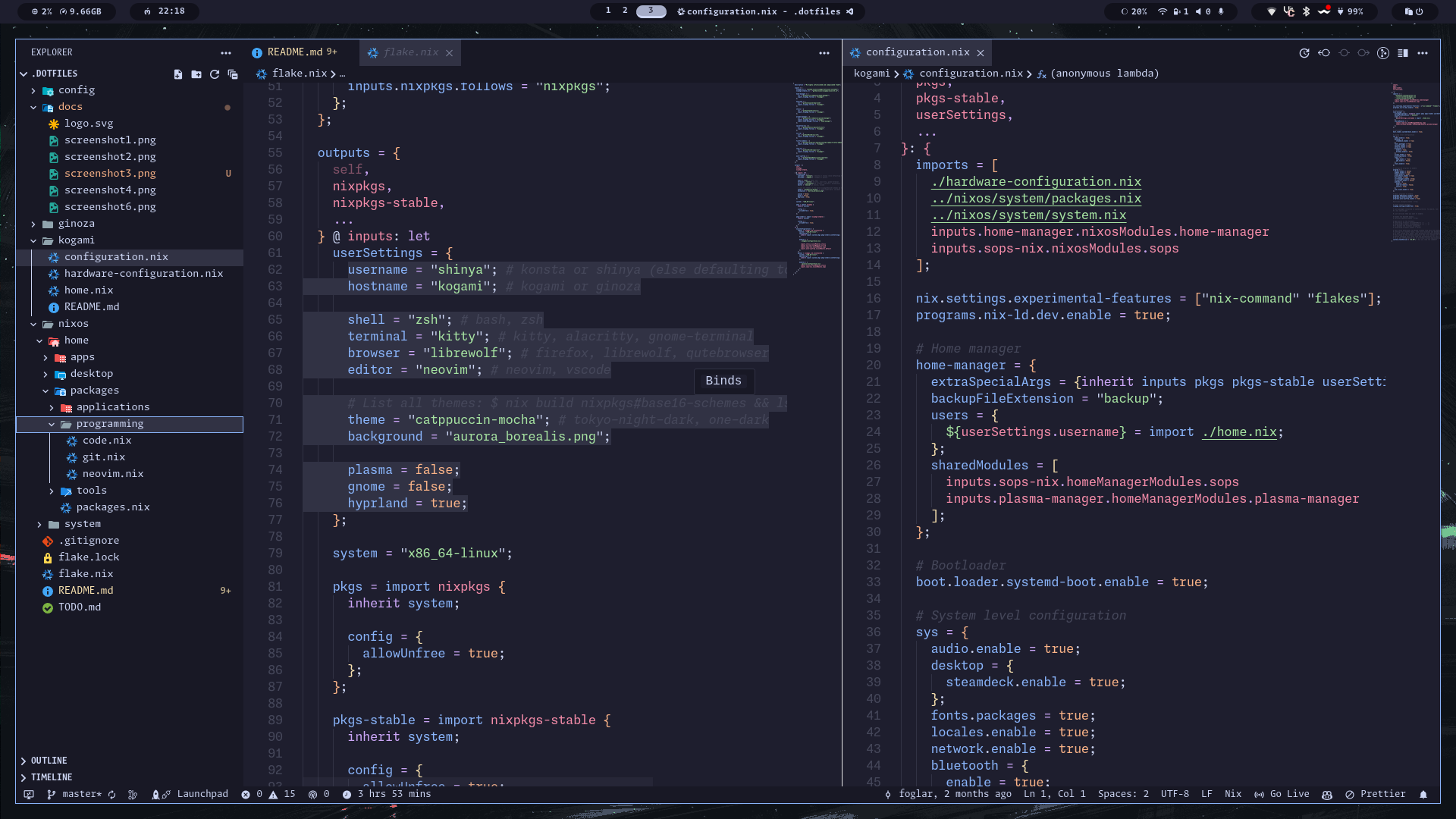
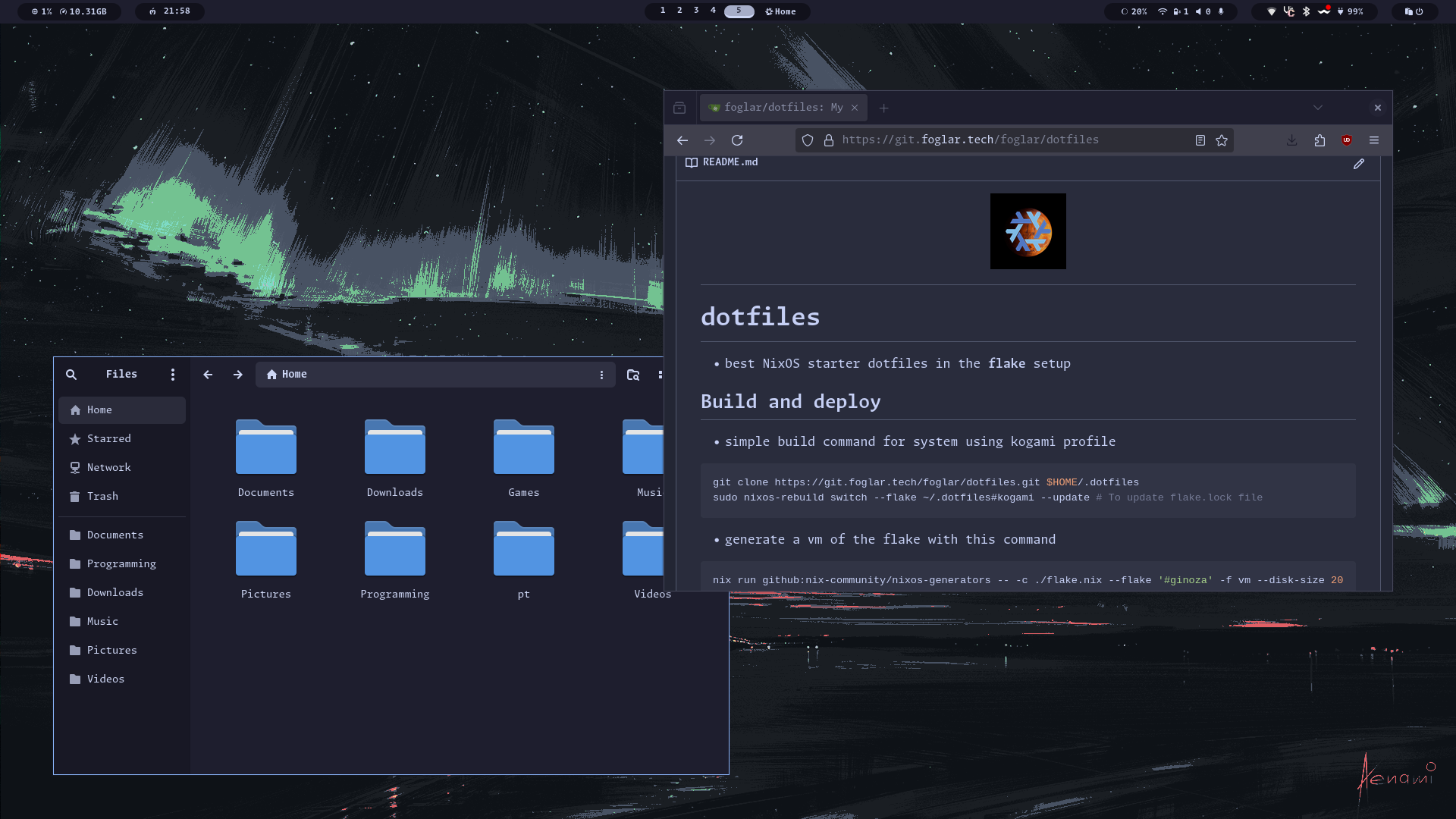
## Showcase
## Build and deploy
### Automatic installation **Recommended**
- Use this one command on system with NixOS installed
- This will download script with installation commands
```bash
nix-shell -p git --command "nix run --experimental-features 'nix-command flakes' git+https://git.foglar.tech/foglar/psychonix-install.git"
```
> [!IMPORTANT]
> Ultimately, I can’t gaurantee this will work for anyone other than myself, so use this at your own discretion.
### Manual installation
- Simple build command using kogami profile
```bash
git clone https://git.foglar.tech/foglar/dotfiles.git $HOME/.dotfiles
sudo nixos-rebuild switch --flake ~/.dotfiles#kogami --update # To update flake.lock file
```
- Generate a vm of the flake with this command
```bash
nix run github:nix-community/nixos-generators -- -c ./flake.nix --flake '#ginoza' -f vm --disk-size 20480
```
- Deploy configuration on the new system
```bash
# Copy my repository
git clone https://git.foglar.tech/foglar/dotfiles.git $HOME/.dotfiles --depth 1
# Generate your own hardware configurations for system
sudo nixos-generate-config --dir ~/.dotfiles/kogami
# or
sudo nixos-generate-config --dir ~/.dotfiles/ginoza
# Rebuild your system from the flake
sudo nixos-rebuild switch --flake ~/.dotfiles#kogami
```
## Profiles
- The system consists currently from 2 profiles:
- [Kogami](./kogami/) - My daily driver notebook
- [Ginoza](./ginoza/) - Old notebook, only essentials installed
- [Tsunemori](./tsunemori/) - Phone configuration, for those moments without notebook
### Custom setup
- You can simply modify profile by editing (for example kogami profile) [./kogami/configuration.nix](./kogami/configuration.nix), for system settings and [./kogami/home.nix](./kogami/home.nix), for user settings.
- All possible options are automatically set:
- for system settings in [system.nix](./nixos/system/system.nix)
- for system packages in [packages.nix](./nixos/system/packages.nix)
- for home-manager or user configuration in [home.nix](./nixos/home/packages/packages.nix)
- Many options are by default set to true, so you should disable them in your own configuration
> [!IMPORTANT]
> Don't forget to edit your username in [flake.nix](./flake.nix) and other settings like preffered shell and browser etc...
## Default Features
| System features | |
| --------------- | ------------------------- |
| OS | NixOS |
| Display Server | Wayland |
| Window Manager | Hyprland |
| Fonts | Monaspace |
| Colorscheme | Stylix (Catppuccin Mocha) |
| Icon theme | Papirus |
| User configuration | |
| ------------------ | ---------- |
| Panel | Waybar |
| Launcher | Rofi |
| Terminal | Kitty |
| Shell | Zsh |
| Shell prompt | Oh-My-Posh |
> [!TIP]
> Whole system is very configurable and customizable.
> You can change default applications right in [flake.nix](./flake.nix) under userSettings.
> You can change your default system from Hyprland to GNOME or KDE, or maybe have all of them at the same time
- To explore what you can configure look into [packages](./nixos/home/packages/) for home-manager options, or into [system](./nixos/system/) for system configuration and packages
- In directory [apps](./nixos/home/apps/) are application lists, that can be installed, think of them as lists of applications
### Secure Operations
- Private key for sops is in **~/.config/sops/ags/keys.txt**
- You should change your public key after generation in [.sops.yaml](./nixos/system/packages/sops/.sops.yaml)
- Generate your key using this command:
```bash
nix-shell nixpkgs#age -c age-keygen -o ~/.config/sops/age/keys.txt
```
- Secrets are managed in yaml file [secrets.yaml](./nixos/system/packages/sops/secrets/secrets.yaml)
- Things that are managed in sops configuration:
- SSH keys
- Passwords
- Yubikey ID
> [!NOTE]
> This configuration will work fine even without SOPS configuration, if you don't need it just ignore it.
- For more information about SOPS and NixOS look at [Vimjoyer's](https://www.youtube.com/@vimjoyer/featured) [video on youtube](https://www.youtube.com/watch?v=G5f6GC7SnhU) or in [sops-nix repository](https://github.com/Mic92/sops-nix)
### Yubikey
- Setup your Yubikey to work with current user.
- Change your Yubikey ID in [yubikey.nix](./nixos/system/packages/yubikey.nix) or in [sops.nix](./nixos/system/packages/sops/sops.nix), you can add multiple IDs.
- If you have multiple Yubikeys, run this for each of them.
```bash
nix-shell -p yubico-pam -p yubikey-manager
ykman otp chalresp --touch --generate 2
ykpamcfg -2 -v
```
- Test your Yubikey with commands
```bash
nix-shell -p pamtester
pamtester login authenticate
pamtester sudo authenticate
```
- For more information about Yubikeys and NixOS look at the [nixos wiki](https://nixos.wiki/wiki/Yubikey) or [EmergentMind's](https://github.com/EmergentMind) [video on youtube](https://www.youtube.com/watch?v=3CeXbONjIgE)
### SSH configuration
- Declarative ssh keys configuration
- Will be simplified in near future
```bash
nix-shell -p sops neovim
# This is for Yubikey key generation.
ssh-keygen -t ed25519-sk -N ""
# To generate normal key use same command:
ssh-keygen -t ed25519 -N "" # without -sk
sops edit ./nixos/system/packages/sops/secrets/secrets.yaml
# if using NixOS on your server then:
#! Nothing to see here for now!!!
# else:
ssh-copy-id -i ~/.ssh/[key_name] [server_name]@[ip]
# optional - add your host to ssh configuration
nvim /nixos/system/packages/ssh-client.nix
```
## Sources of inspiration
- [EmergentMind's Nix-Config](https://github.com/EmergentMind/nix-config) - explanation of Yubikey setup and declarative configuration of SSH keys
- [YT video](https://www.youtube.com/watch?v=3CeXbONjIgE)
- [LibrePhoenix's Nix-Config](https://github.com/librephoenix/nixos-config) - if else options, modular control center, one line installation
- [YT video about modular control center](https://www.youtube.com/watch?v=H_Qct7TVB6o)
- [YT video about if else options](https://www.youtube.com/watch?v=Qull6TMQm4Q)
- [YT video about install with one command](https://www.youtube.com/watch?v=20BN4gqHwaQ&t=2025s)
- [Vimjoyer's videos](https://www.youtube.com/@vimjoyer) - all videos
- [Hyprdots for Arch](https://github.com/prasanthrangan/hyprdots) - inspiration for look