My personal NixOS dotfiles
| config | ||
| docs | ||
| ginoza | ||
| kogami | ||
| nixos | ||
| tsunemori | ||
| .gitignore | ||
| flake.lock | ||
| flake.nix | ||
| README.md | ||
| TODO.md | ||


dotfiles
- best NixOS starter dotfiles in the flake setup
- for latest changes look here
Showcase
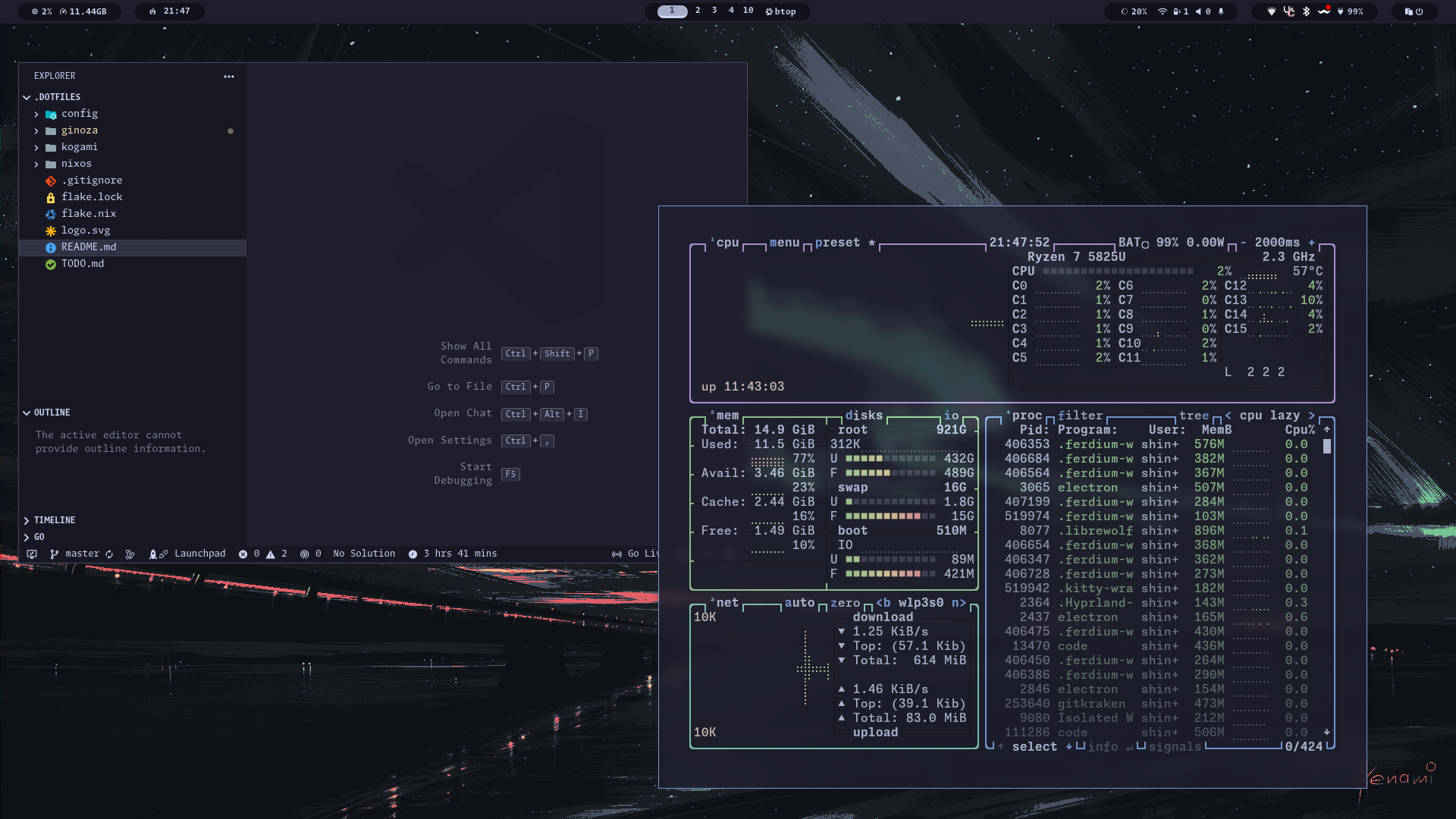
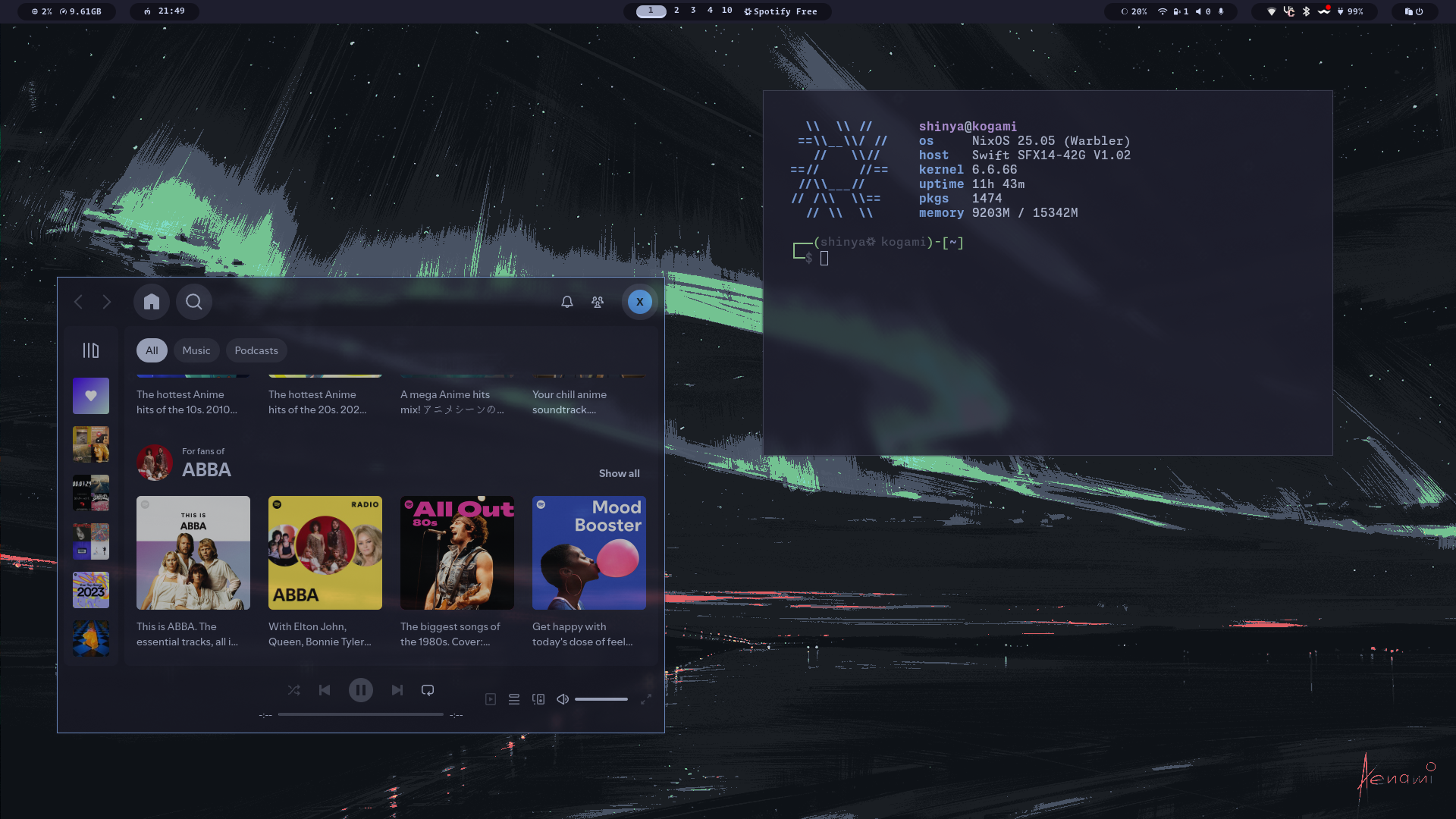
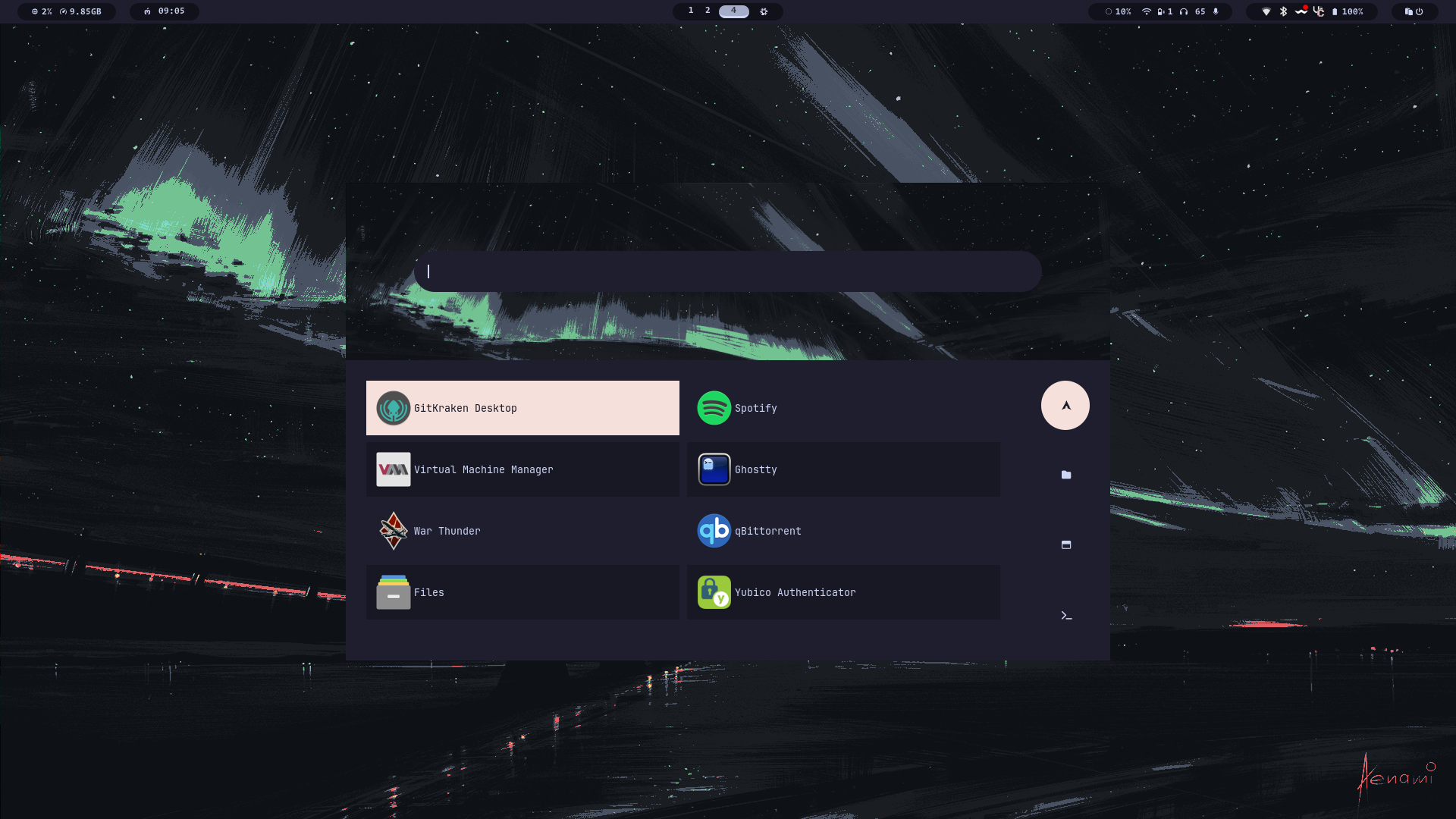
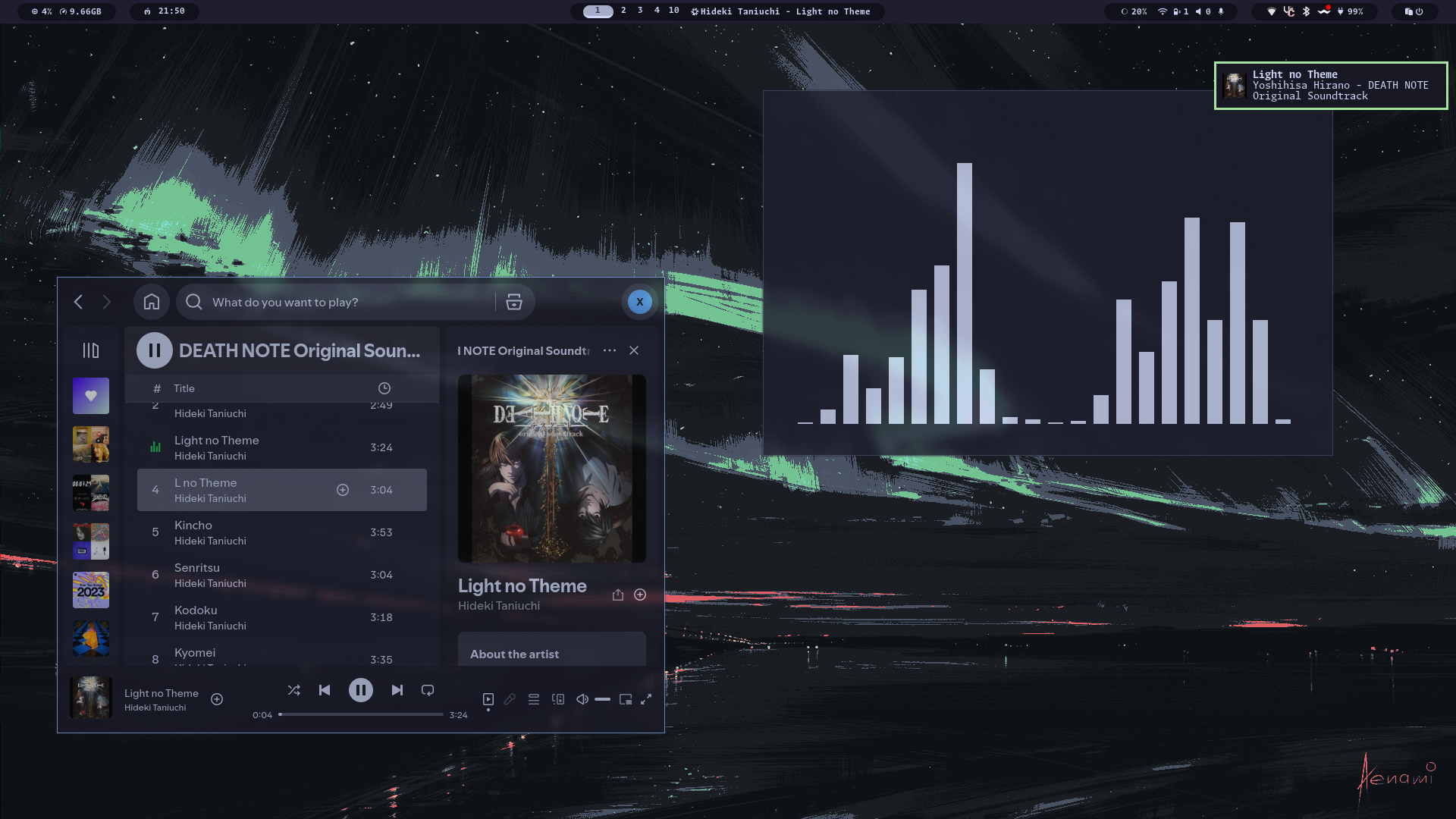
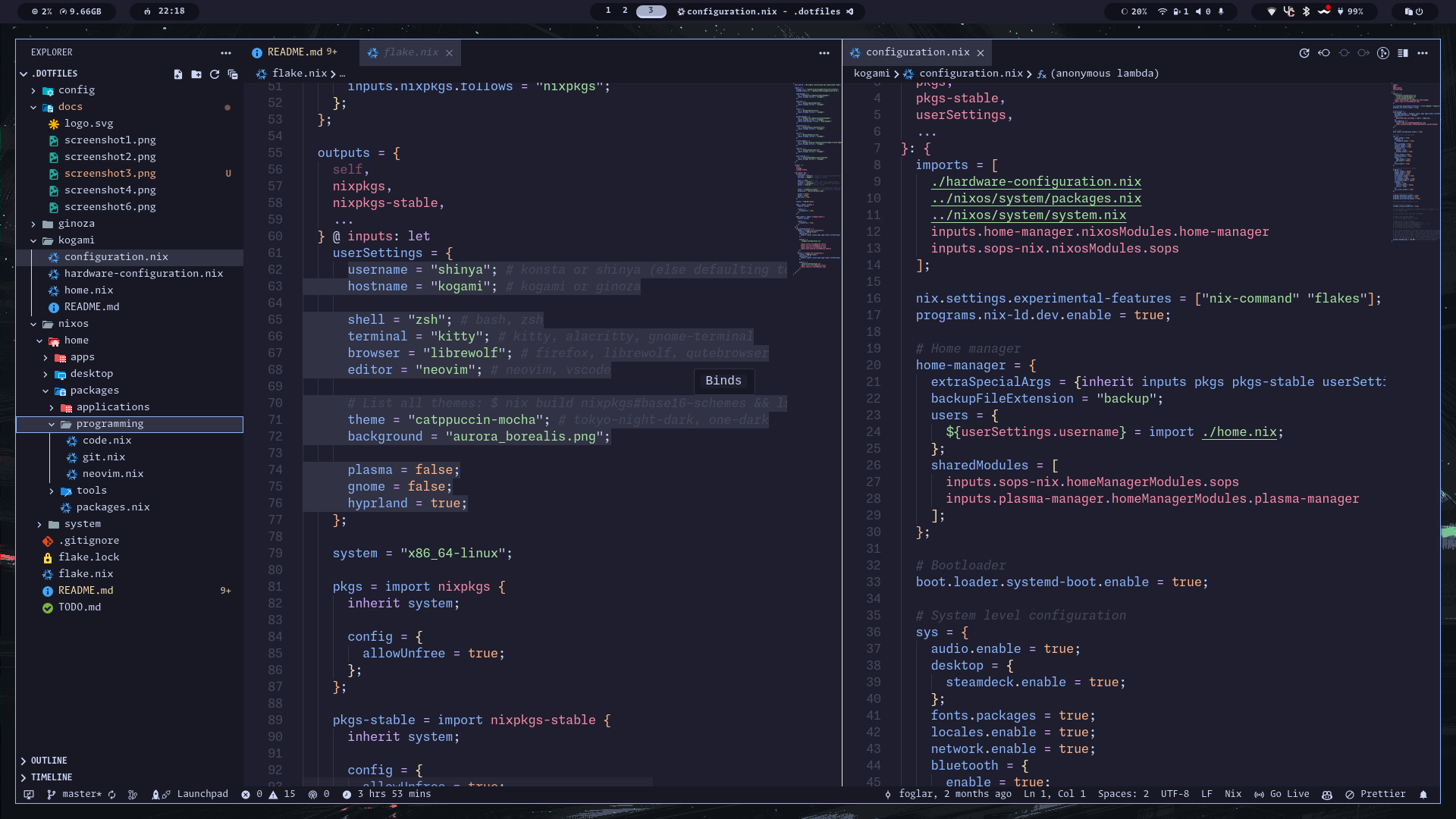
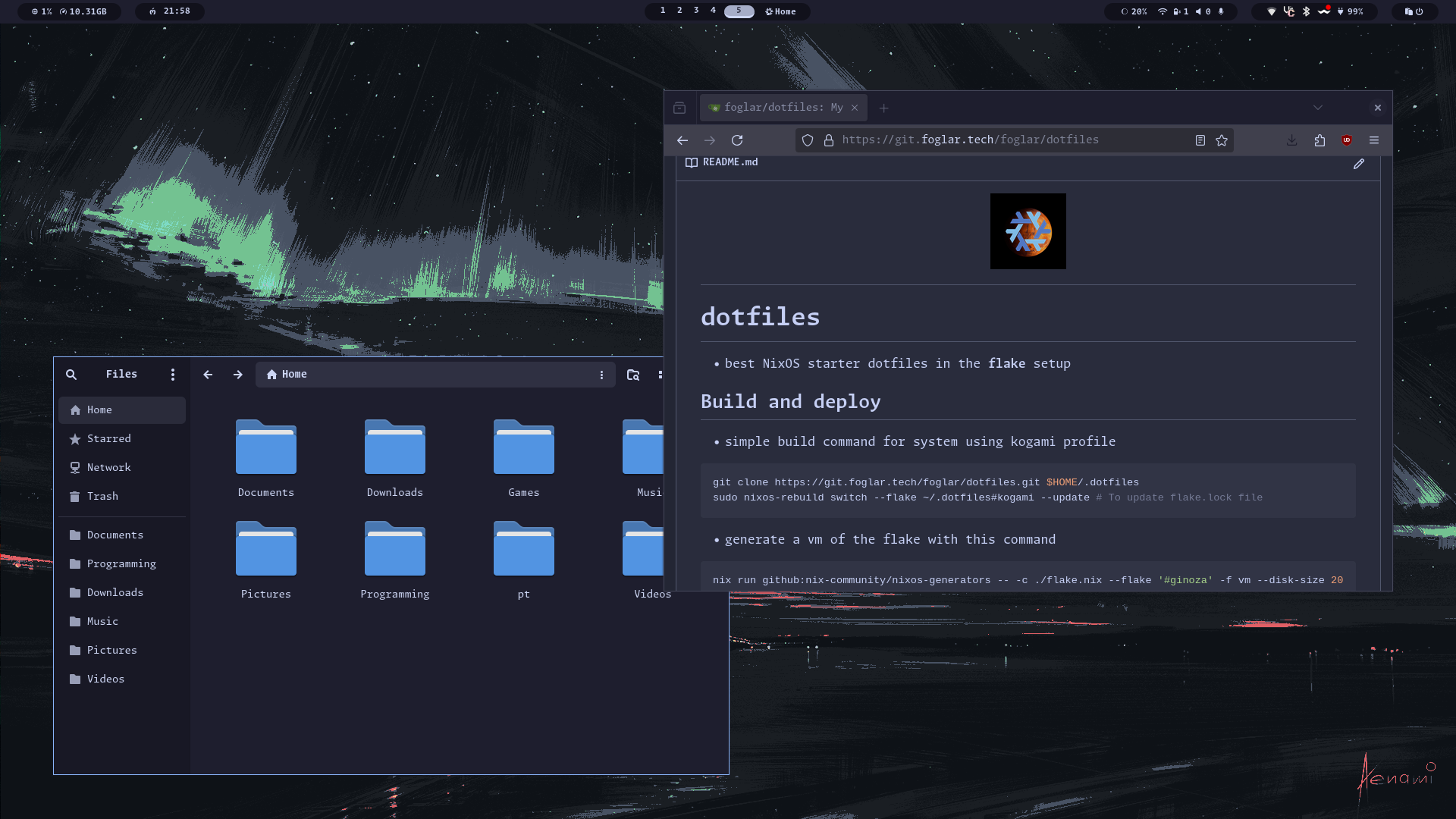
Build and deploy
- simple build command for system using kogami profile
git clone https://git.foglar.tech/foglar/dotfiles.git $HOME/.dotfiles
sudo nixos-rebuild switch --flake ~/.dotfiles#kogami --update # To update flake.lock file
- generate a vm of the flake with this command
nix run github:nix-community/nixos-generators -- -c ./flake.nix --flake '#ginoza' -f vm --disk-size 20480
- deploy configuration on the new system
# Copy my repository
git clone https://git.foglar.tech/foglar/dotfiles.git $HOME/.dotfiles --depth 1

# Generate your own hardware configurations for system
sudo nixos-generate-config --dir ~/.dotfiles/kogami
# or
sudo nixos-generate-config --dir ~/.dotfiles/ginoza

# Rebuild your system from the flake
sudo nixos-rebuild switch --flake ~/.dotfiles#kogami
Profiles
- The system consists currently from 2 profiles:
Custom setup
- You can simply modify profile by editing (for example kogami profile) ./kogami/configuration.nix, for system settings and ./kogami/home.nix, for user settings.
- All possible options are automatically set:
- for system settings in system.nix
- for system packages in packages.nix
- for home-manager or user configuration in home.nix
- Many options are by default set to true, so you should disable them in your own configuration
Important
Don't forget to edit your username in flake.nix and other settings like preffered shell and browser etc...
Default Features
| System features | |
|---|---|
| OS | NixOS |
| Display Server | Wayland |
| Window Manager | Hyprland |
| Fonts | Monaspace |
| Colorscheme | Stylix (Catppuccin Mocha) |
| Icon theme | Papirus |
| User configuration | |
|---|---|
| Panel | Waybar |
| Launcher | Rofi |
| Terminal | Kitty |
| Shell | Zsh |
| Shell prompt | Oh-My-Posh |
Tip
Whole system is very configurable and customizable. You can change default applications right in flake.nix under userSettings. You can change your default system from Hyprland to GNOME or KDE, or maybe have all of them at the same time
- To explore what you can configure look into packages for home-manager options, or into system for system configuration and packages
- In directory apps are application lists, that can be installed, think of them as lists of applications
Secure Operations
-
Private key for sops is in ~/.config/sops/ags/keys.txt
-
You should change your public key after generation in .sops.yaml
-
Generate your key using this command:
nix-shell nixpkgs#age -c age-keygen -o ~/.config/sops/age/keys.txt
- Secrets are managed in yaml file secrets.yaml
- Things that are actually managed in sops configuration:
- SSH keys
- Passwords
- Yubikey ID
Note
This configuration will work fine even without SOPS configuration, if you don't need it just ignore it.
- For more information about SOPS and NixOS look at Vimjoyer's video on youtube or in sops-nix repository
Yubikey
- Setup your Yubikey to work with current user.
- Change your Yubikey ID in yubikey.nix or in sops.nix, you can add multiple IDs.
- If you have multiple Yubikeys, run this for each of them.
nix-shell -p yubico-pam -p yubikey-manager
ykman otp chalresp --touch --generate 2
ykpamcfg -2 -v
- Test your Yubikey with commands
nix-shell -p pamtester
pamtester login <username> authenticate
pamtester sudo <username> authenticate
- For more information about Yubikeys and NixOS look at the nixos wiki or EmergentMind's video on youtube
SSH configuration
- Declarative ssh keys configuration
- Will be simplified in near future
nix-shell -p sops neovim

# This is for Yubikey key generation.
ssh-keygen -t ed25519-sk -N ""
# To generate normal key use same command:
ssh-keygen -t ed25519 -N "" # without -sk

sops edit ./nixos/system/packages/sops/secrets/secrets.yaml

# if using NixOS on your server then:
  #! Nothing to see here for now!!!
# else:
ssh-copy-id -i ~/.ssh/[key_name] [server_name]@[ip]

# optional - add your host to ssh configuration
nvim /nixos/system/packages/ssh-client.nix
Sources of inspiration
- EmergentMind's Nix-Config - explanation of Yubikey setup and declarative configuration of SSH keys
- LibrePhoenix's Nix-Config - if else options and modular control center
- Vimjoyer's videos - all videos