
3.9 KiB
Xenlism Grub Theme
Xenlism Grub Theme is a fork of Grub-theme-vimix. You can find the theme and more information here.
Supported Operating Systems
- Ubuntu Style
- Debian Style
- Arch Linux
- Manjaro Linux
- Fedora Linux
- NixOs Linux
- Kali Linux
- Mint Linux
- Gentoo Linux
- PopOs
- Windows
- MacOs
Installation
If you have any issues with the installation script, follow these steps:
-
Unpack the
tar.xzfile and open the unpacked folder. -
Inside the folder, you will find another folder. Zip this folder.
-
Install
grub-customizerusing the appropriate command for your distribution:- For Fedora, run:
sudo dnf install -y grub-customizer - For Arch Manjaro, run:
pacman -S grub-customizer - For Ubuntu, run:
sudo apt-get install grub-customizer
- For Fedora, run:
-
Edit the
/etc/default/grubfile and add the following line:GRUB_GFXPAYLOAD_LINUX="keep" -
Copy the
hwmatch.modfile to the/boot/grub/x86_64-efi/directory:cp -r /usr/lib/grub/i386-pc/hwmatch.mod /boot/grub/x86_64-efi/ -
Finally, update the grub configuration by running:
sudo update-grub
For Debian, you can follow this link for instructions on installing Grub Customizer.
Install grub themes with grub-customizer tool
NixOS installation
- Add this flake input to your flake.nix inputs
inputs = {
    grub-theme = {
      url = "github:xenlism/Grub-themes";
    };

    # More inputs ...
};
Important
If you switched your theme from systemd-boot to GRUB. You have to change your boot entry in UEFI or BIOS to GRUB. Because NixOS will otherwise still boot into systemd-boot.
- Then set GRUB theme to this package in your configuration.nix file
boot.loader.grub.theme = inputs.grub-theme.packages.x86_64-linux.xenlism-grub-theme-nixos-1080p;
Note
Just a side note, in case you are using stylix or something that sets GRUB theme for you. You will maybe have to set this option with lib.mkForce to make it override other value.
-
You can pick from list of distros and resolutions that are present in the original repo
-
To view all possible options run
nix flake show github:xenlism/Grub-themes --no-write-lock-filethis will display all possible packages to install -
To change theme you just have to change the package name in configuration.nix option like this:
boot.loader.grub.theme = inputs.grub-theme.packages.x86_64-linux.xenlism-grub-theme-[distribution]-[resolution];
Preview
| Ubuntu | Mint Linux |
|---|---|
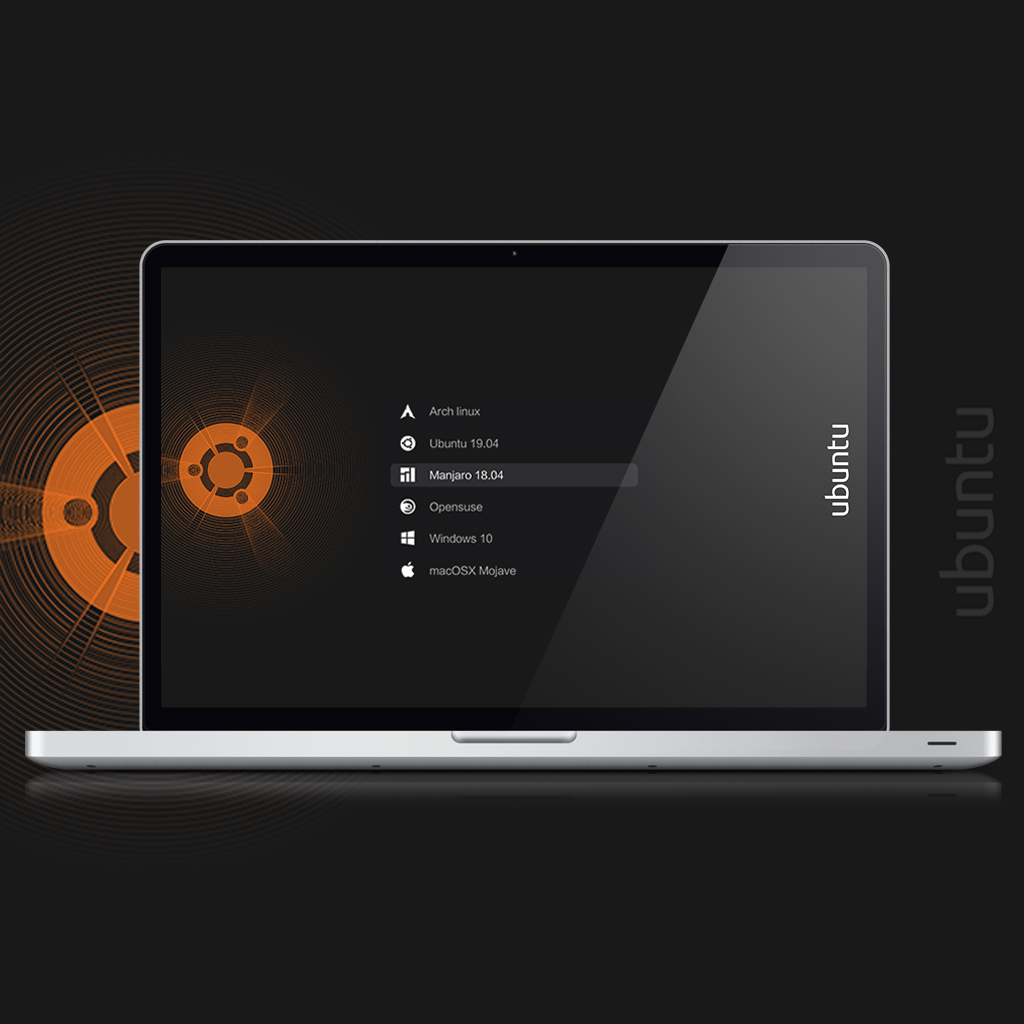 |
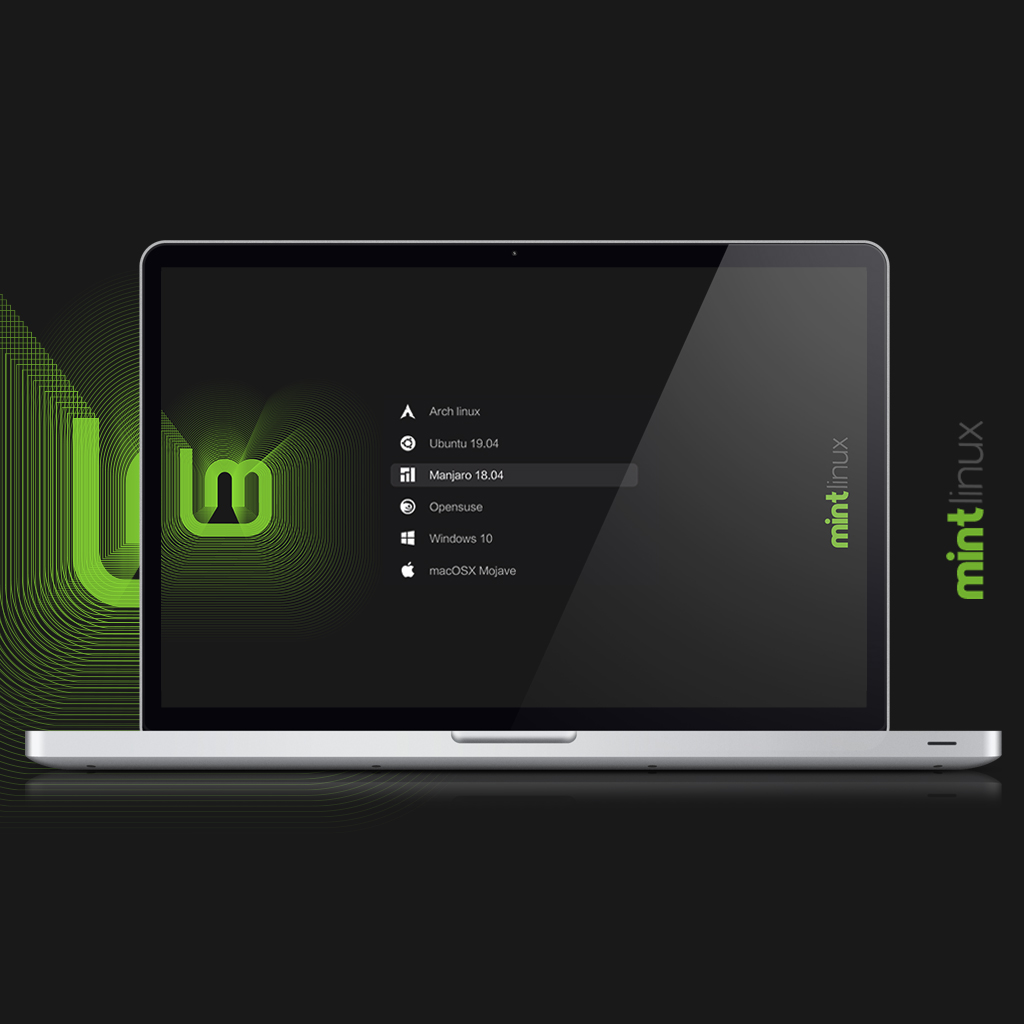 |
| Kali Linux | Manjaro Linux |
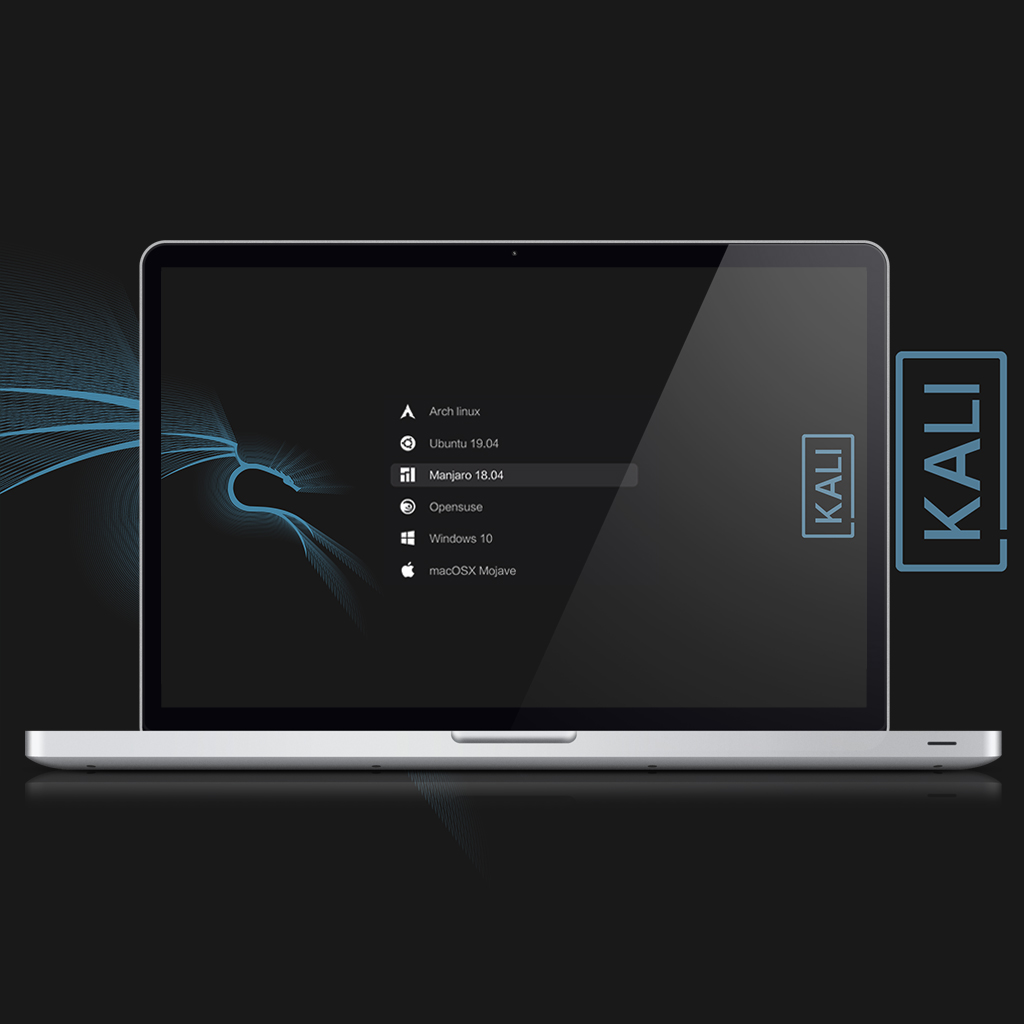 |
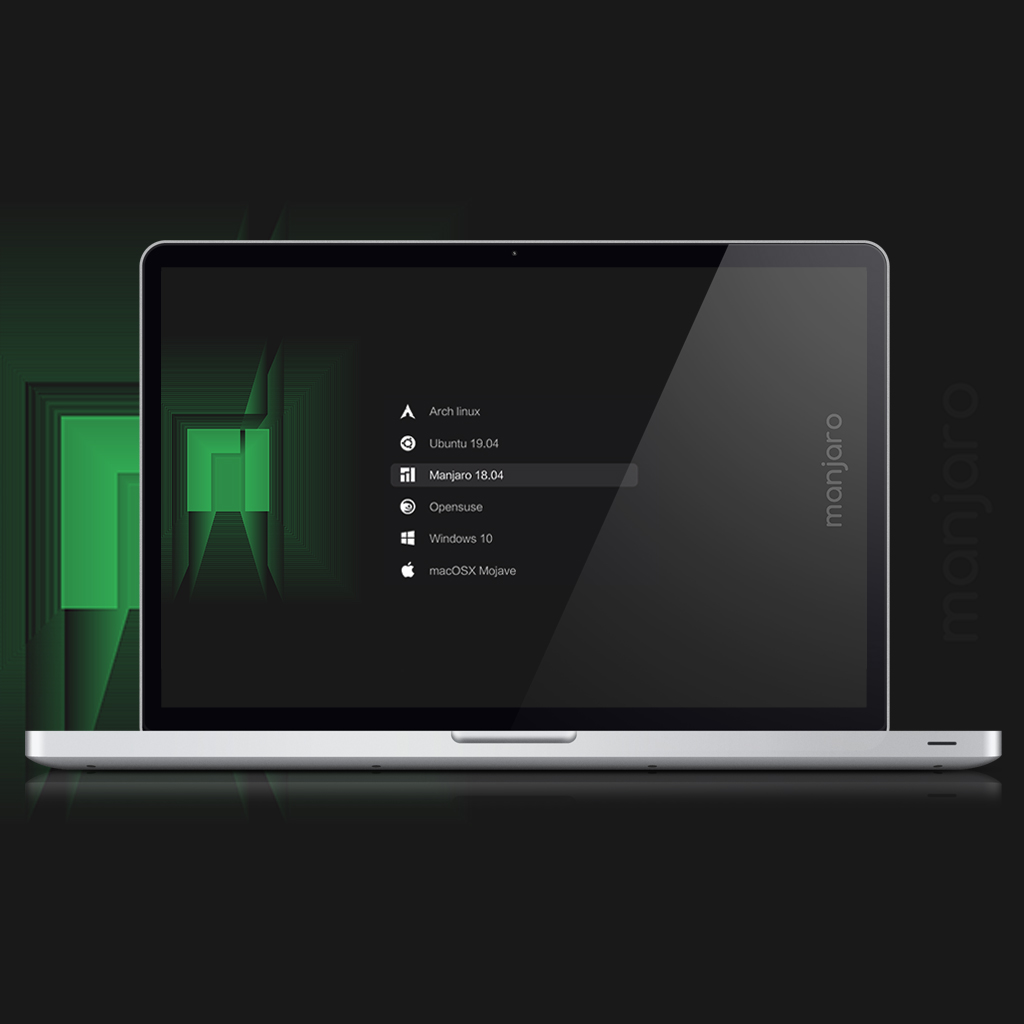 |
| Debian | |
 |